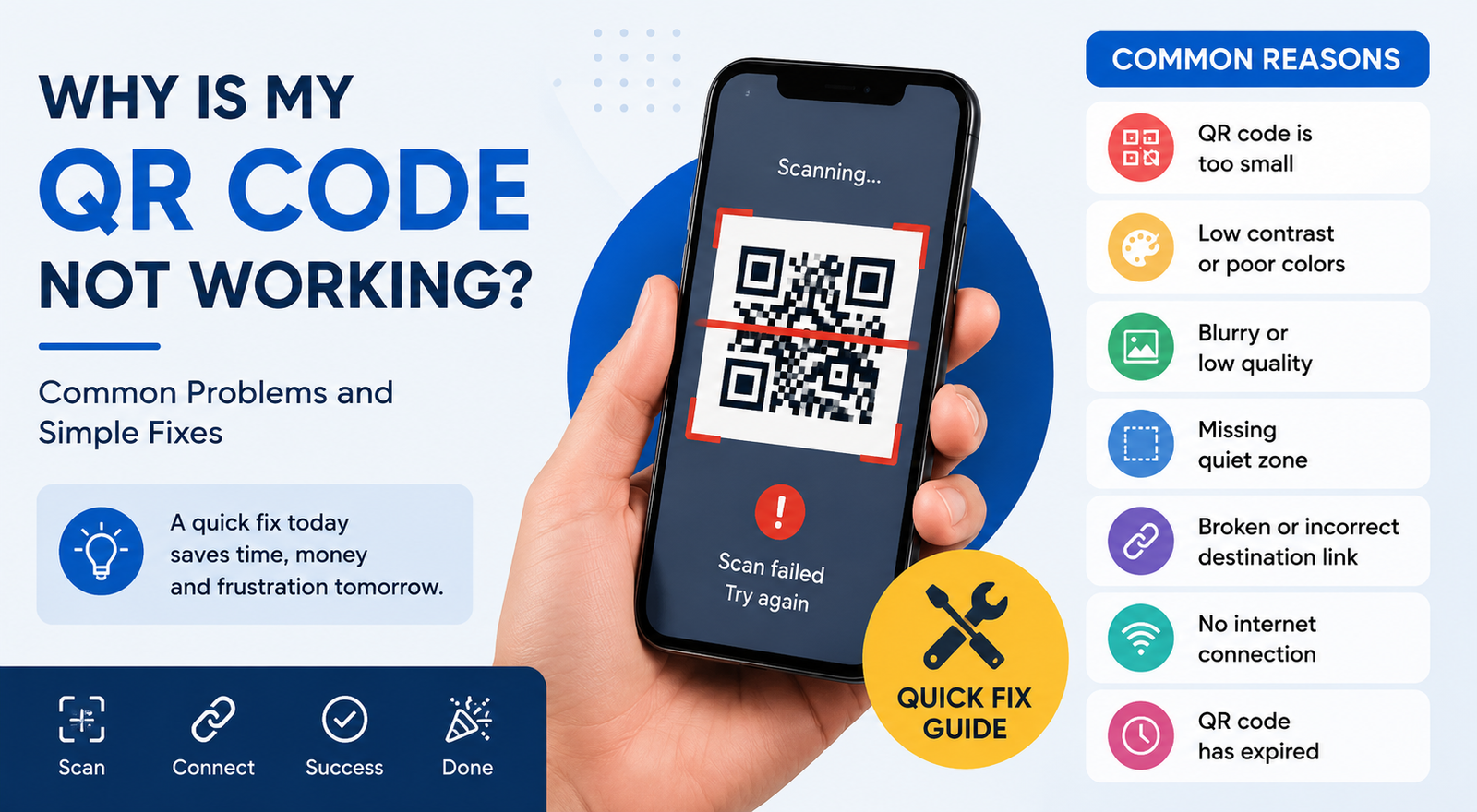
Is your QR code not working? Learn the 10 most common reasons QR codes fail to scan and discover simple fixes to make your QR code work perfectly.
You printed 500 flyers. Someone scans the QR code. Nothing happens. It's frustrating, especially when the code looked perfect on your screen. The good news is that most QR code problems have a simple fix.
The QR code is too small
Size matters.
A tiny QR code is hard for phone cameras to read, especially on posters or packaging. For print, keep the code at least 2 x 2 cm (0.8 x 0.8 inches). Go larger if people will scan it from a distance.
The link is broken
Test the destination before you publish anything.
If the website returns a 404 error or the page has been deleted, the QR code still scans. It just leads nowhere.
The contrast is too low
Black on white works because cameras read it easily.
Light gray on white, yellow on cream, or fancy gradients can confuse scanners. If you want a custom design, keep the contrast high.
The quiet zone is missing
Every QR code needs empty space around it.
That white border tells the scanner where the code begins and ends. Remove it, and some phones won't recognize the pattern.
The image is blurry
A screenshot of a QR code often loses quality.
Always download the original file from your QR code generator. PNG works well for websites. SVG is a better choice for large prints because it stays sharp at any size.
The code is damaged
A scratch, fold, or tear can make parts of the code unreadable.
That's why product labels and outdoor signs usually use a higher error correction level. The code can still work even if a small section is damaged.
Your phone camera can't focus
Sometimes the QR code is fine.
Clean the camera lens. Hold the phone steady. Move slightly closer or farther away until the camera locks focus.
The internet connection is weak
A QR code that opens a website still needs internet access.
If you're in a basement, parking garage, or rural area, the scan may succeed but the page won't load.
The QR code expired
This usually happens with dynamic QR codes.
Some services disable QR codes when a trial ends or a subscription expires. Check your account dashboard if your code suddenly stops working.
Too much customization
Adding a logo is fine.
Covering half the QR code with artwork isn't. Large logos, decorative shapes, and busy backgrounds reduce readability. Test every custom design on several phones before you print it.
Your printer reduced the quality
Low-resolution printing creates fuzzy edges.
If you're printing banners, posters, or product boxes, use a high-resolution image or an SVG file. The difference is easy to spot once you compare them side by side.
How to test your QR code
Before you share it, spend 2 minutes checking these points.
- Scan it with Android and iPhone.
- Test it in bright light and indoors.
- Check the website link.
- Print one sample before ordering hundreds.
- Make sure the white border is still visible.
- Confirm the code opens quickly.
A quick test today can save you from reprinting brochures tomorrow.
Frequently asked questions
Why does my QR code scan but not open the website?
The destination URL is probably broken, misspelled, or temporarily unavailable. Open the link in your browser and check that it loads.
Can a QR code stop working over time?
Static QR codes don't expire. Dynamic QR codes can stop working if the service disables them or the account becomes inactive.
Does changing the color affect scanning?
Yes. Dark QR codes on a light background give the best results. Low-contrast colors often cause scan failures.
Can I fix a printed QR code?
If the problem is the destination URL and you used a dynamic QR code, you can update the link. If you printed a static QR code with the wrong data, you'll need to create and print a new one.