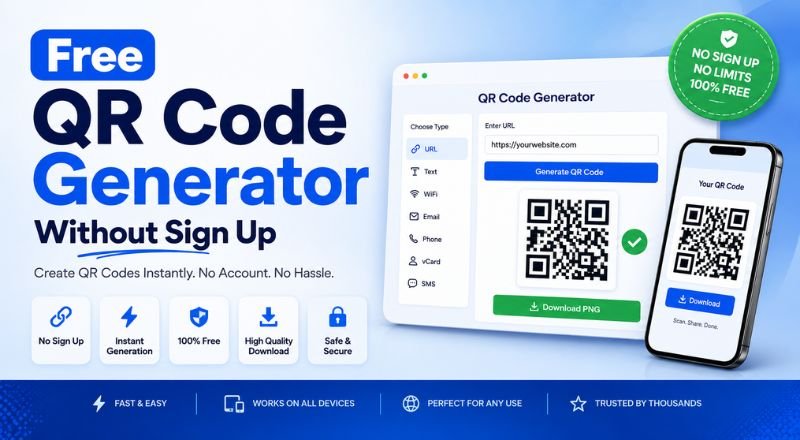
Create QR codes instantly with our free QR code generator without sign up. Generate QR codes for URLs, WiFi, email, text, vCards, and more. No registration, no login, unlimited downloads.
Free QR Code Generator Without Sign Up
Need a QR code right now?
You probably don't want to create an account, verify your email, or hand over personal information just to generate a simple QR code. You want to paste your link, click a button, and download the image. That's it.
A free QR code generator without sign up does exactly that.
Why people avoid sign-up QR code tools
Creating an account takes time. For a one-time QR code, it feels unnecessary.
Many users also don't want another password to remember or marketing emails filling their inbox. If you're making a QR code for a website, restaurant menu, business card, event, or WiFi network, speed matters.
A no-registration QR code generator lets you finish the job in seconds.
What you can create
Most free QR code generators support several QR code types.
- Website URLs
- Plain text
- Phone numbers
- SMS messages
- Email addresses
- WiFi credentials
- Contact cards (vCard)
- Social media profiles
You enter your information, generate the QR code, and download it instantly.
How it works
The process is simple.
- Open the QR code generator.
- Choose the QR code type.
- Enter your information.
- Click Generate QR Code.
- Download the image in PNG or another available format.
The entire process usually takes less than a minute.
Is it really free?
Many tools are genuinely free for static QR codes.
A static QR code permanently stores the information you enter. If you create a QR code for your website today, it will always point to that same address unless you generate a new one.
Some websites charge only for dynamic QR codes, which let you edit the destination later and track scan statistics.
If you only need a basic QR code, a free generator is usually enough.
Static vs dynamic QR codes
Here's the difference.
Static QR codes
- Free on many websites
- No account required
- Permanent destination
- Great for personal and small business use
Dynamic QR codes
- Editable after creation
- Can include scan analytics
- Often require an account
- Usually part of a paid plan
Think about how you'll use the QR code before choosing one.
Common uses
People create QR codes for almost everything.
A small business can place one on a flyer that opens its website.
A restaurant can link customers to its digital menu.
Teachers can share study materials with students.
Event organizers can send visitors directly to registration pages.
Freelancers often add a QR code to business cards so clients can view their portfolio instantly.
What makes a good QR code generator?
A good tool should feel invisible. You shouldn't spend time figuring out how it works.
Look for these features:
- No registration
- Fast generation
- High-quality downloads
- Mobile-friendly design
- Multiple QR code types
- Unlimited free static QR codes
- No watermark
- Secure HTTPS connection
If a tool asks for your email before you can download a basic QR code, there's probably another option that won't.
Tips before printing
Always scan your QR code with at least two different phones.
Make sure the destination page loads correctly.
Keep enough white space around the QR code so scanners can detect it easily.
If you're printing a poster or banner, test the code from the expected viewing distance.
A quick test can save you from reprinting hundreds of copies.
Are free QR code generators safe?
Most are safe if you're using a trusted website over HTTPS.
Avoid uploading sensitive information that doesn't belong inside a QR code.
For everyday uses like website links, contact details, or WiFi credentials, a reputable QR code generator is generally all you need.
Conclusion
A free QR code generator without sign up saves time. Open the tool, create your QR code, download it, and move on with your day.
For most people, that's exactly how it should work.